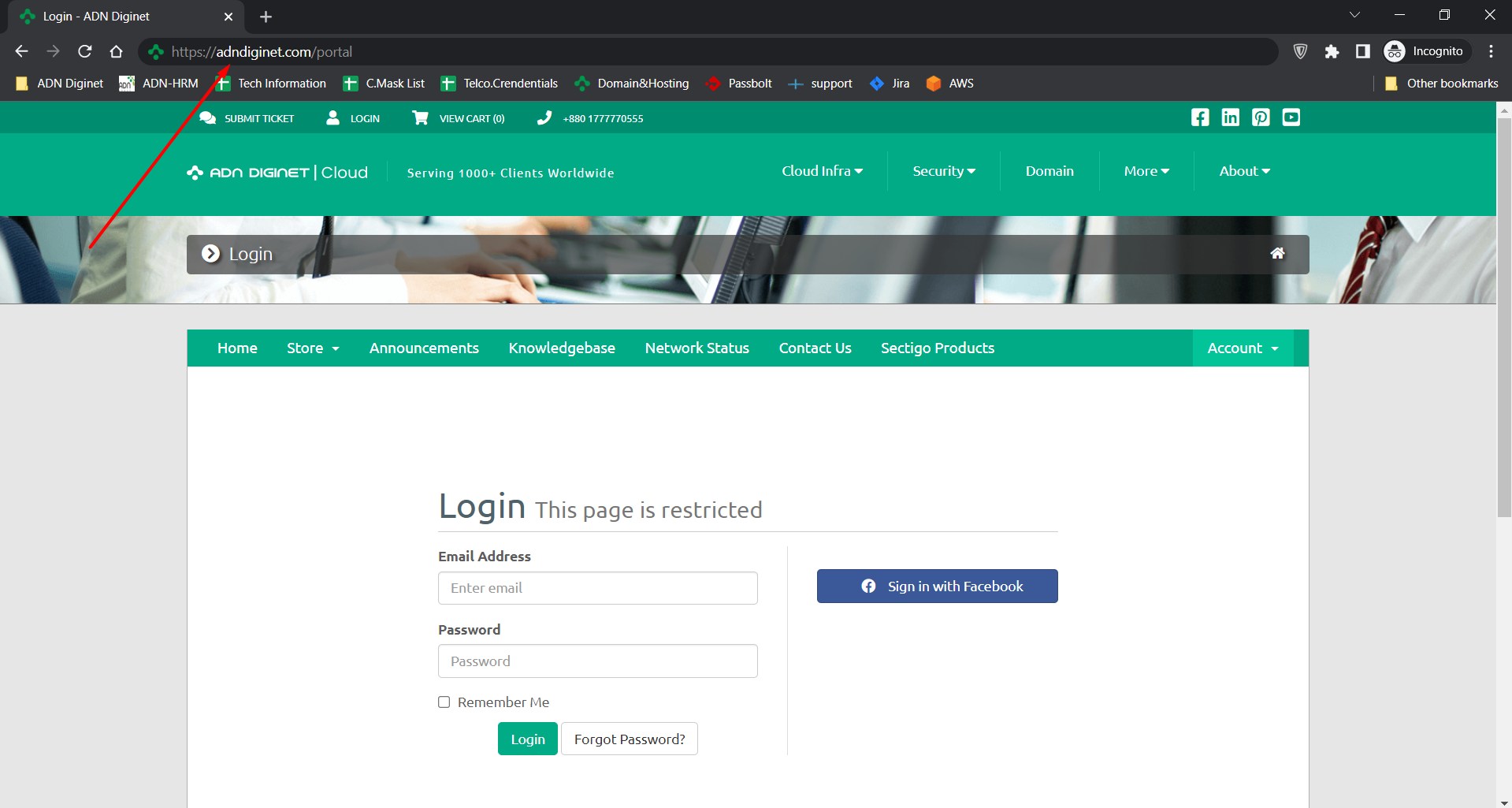
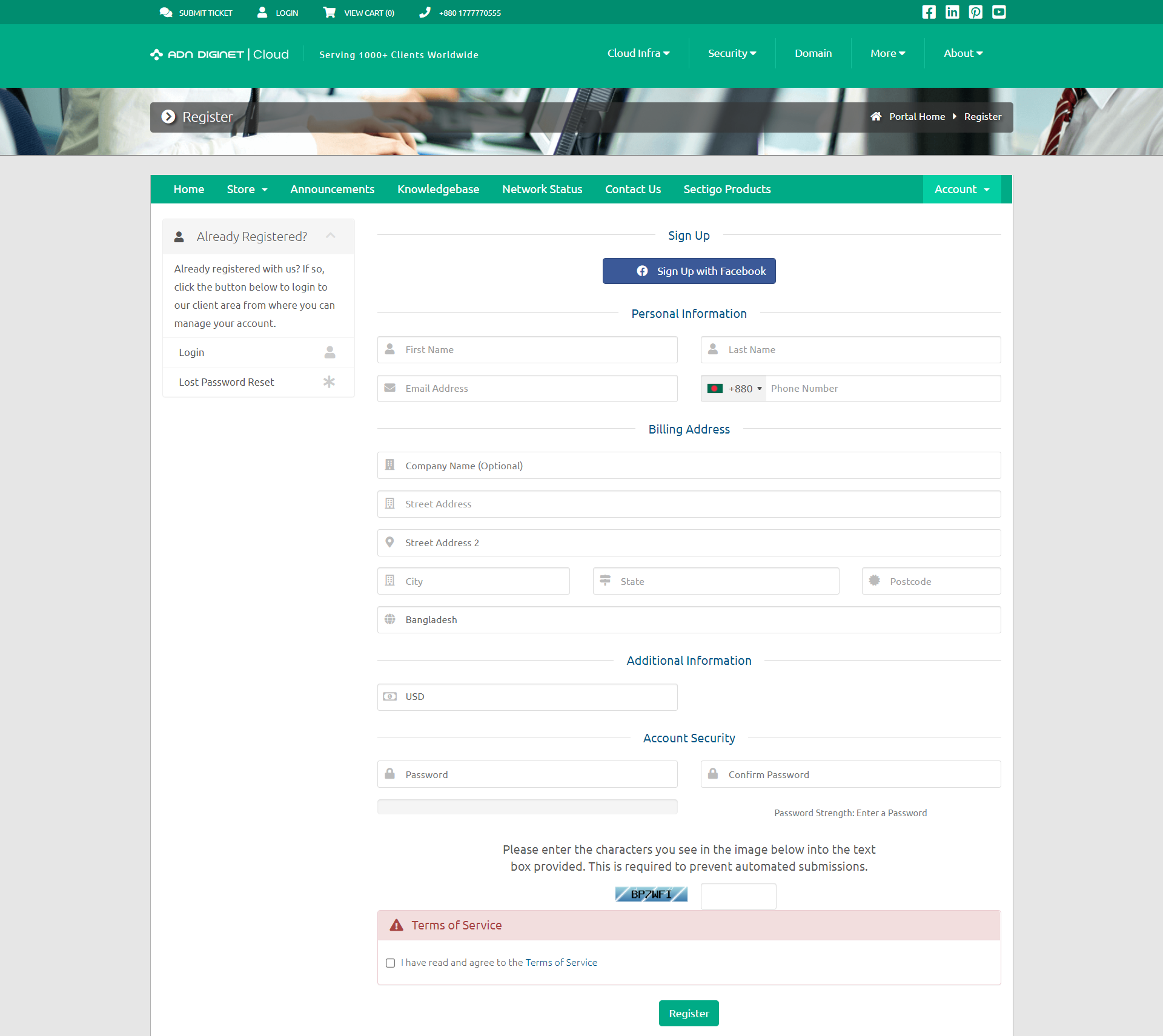
Step 01: Login into your client panel or create an account with us.
OR
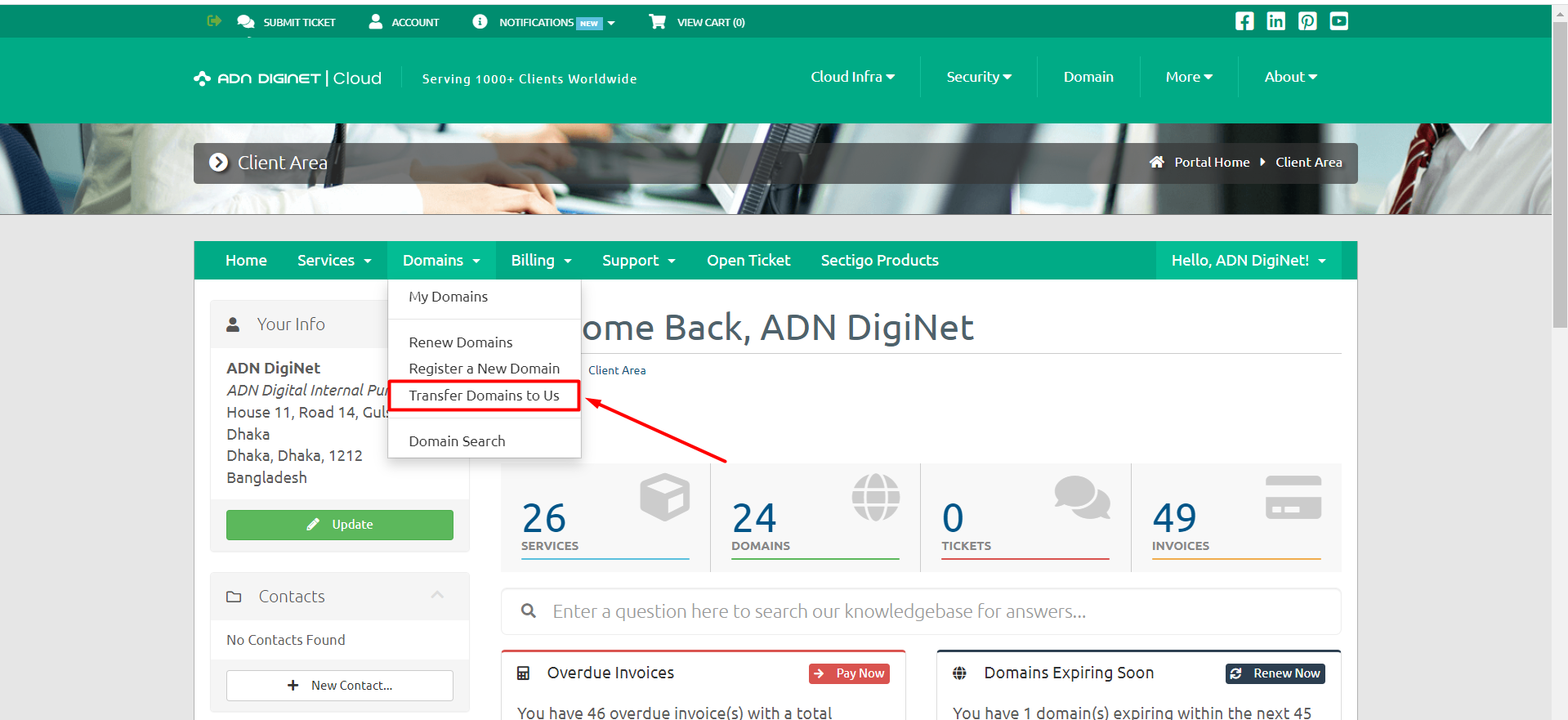
Step 02: Locate the "Domains" dropdown menu and click on "Transfer domain to us".
Step 03: Write your Domain name, underneath the "Domain name" input field.
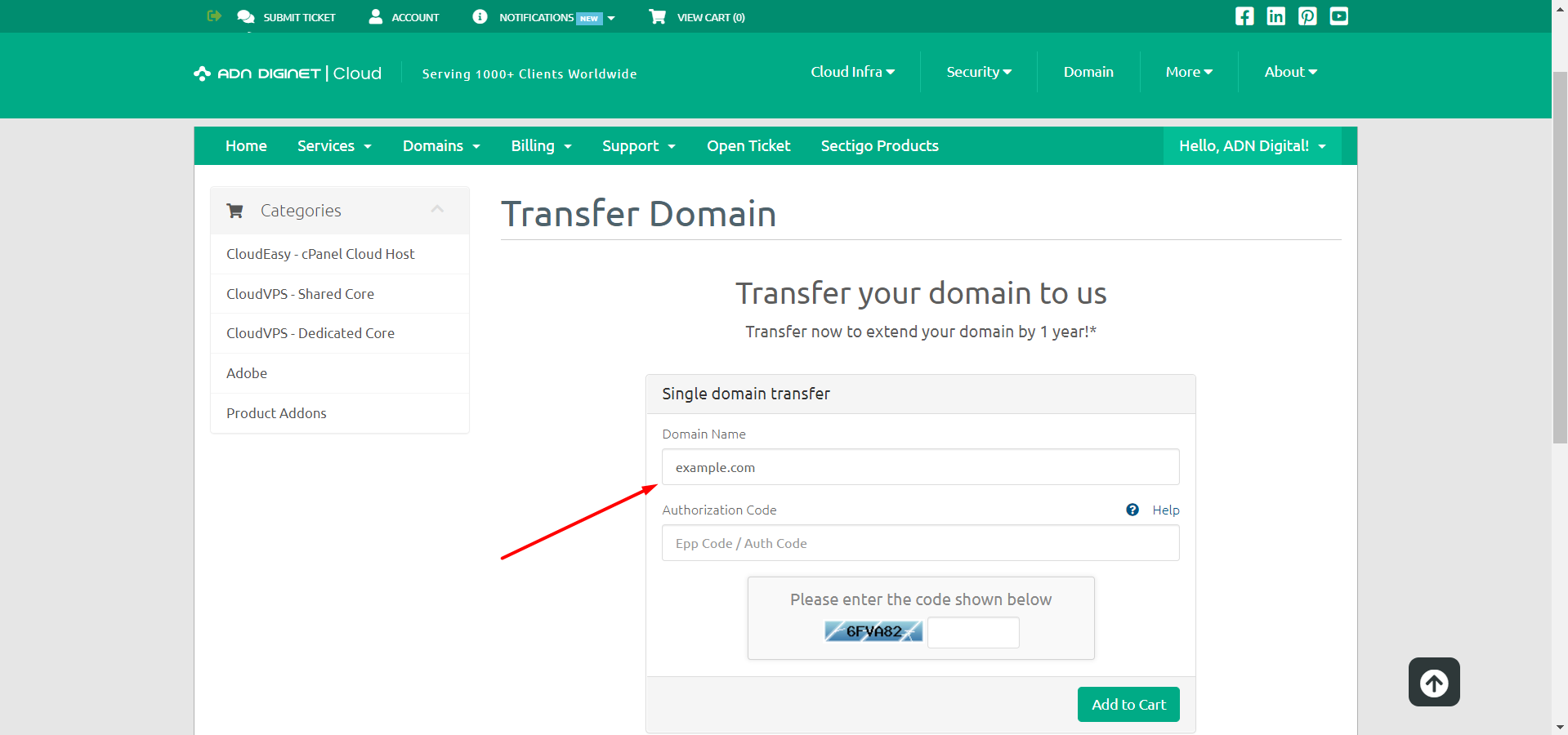
Step 04: Get EPP/Authorization Code from your previous service provider to transfer the domain to us. And make sure your domain transfer lock is disabled.
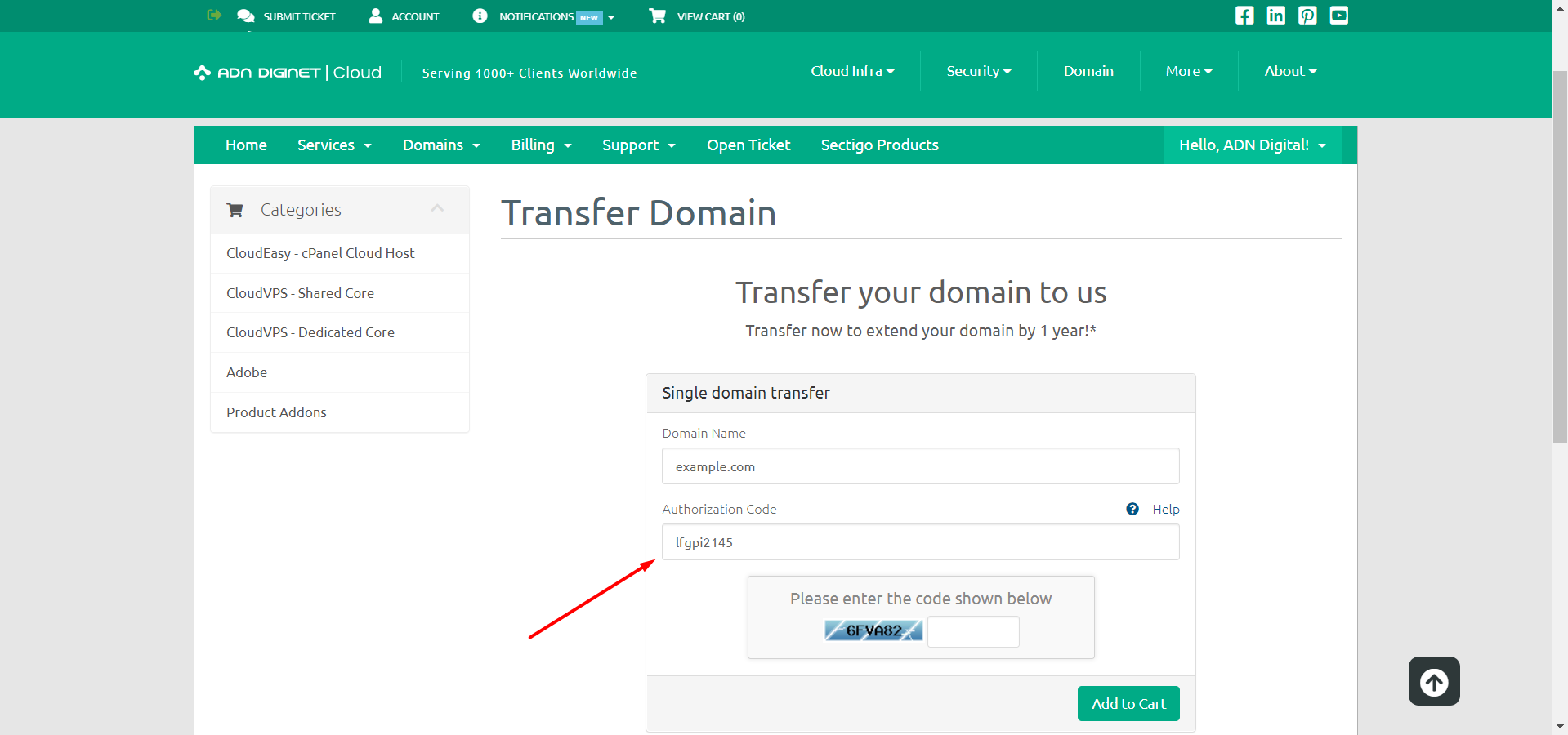
Step 05: Type the code in the required field.
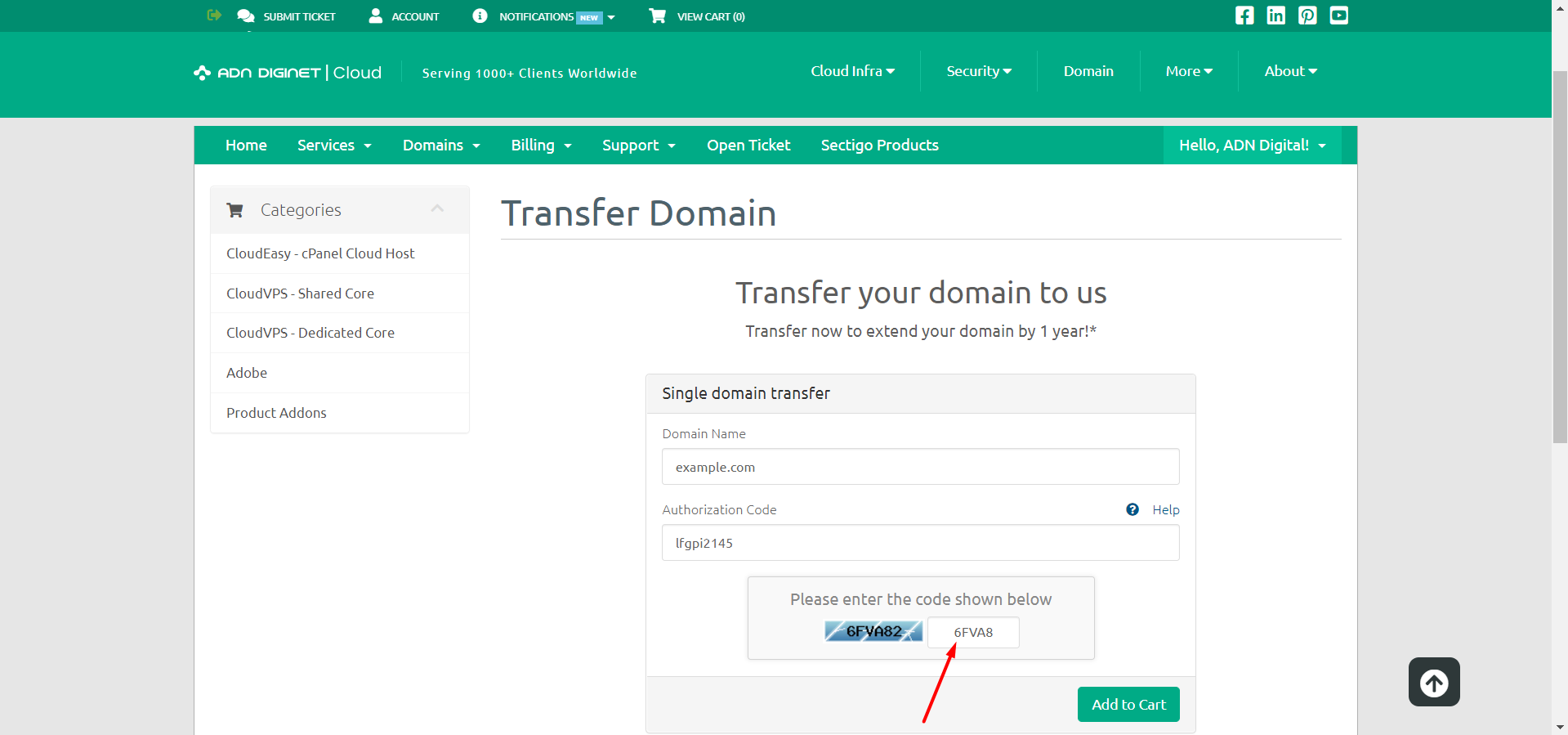
Step 06: Click on the "Add to Cart" button.
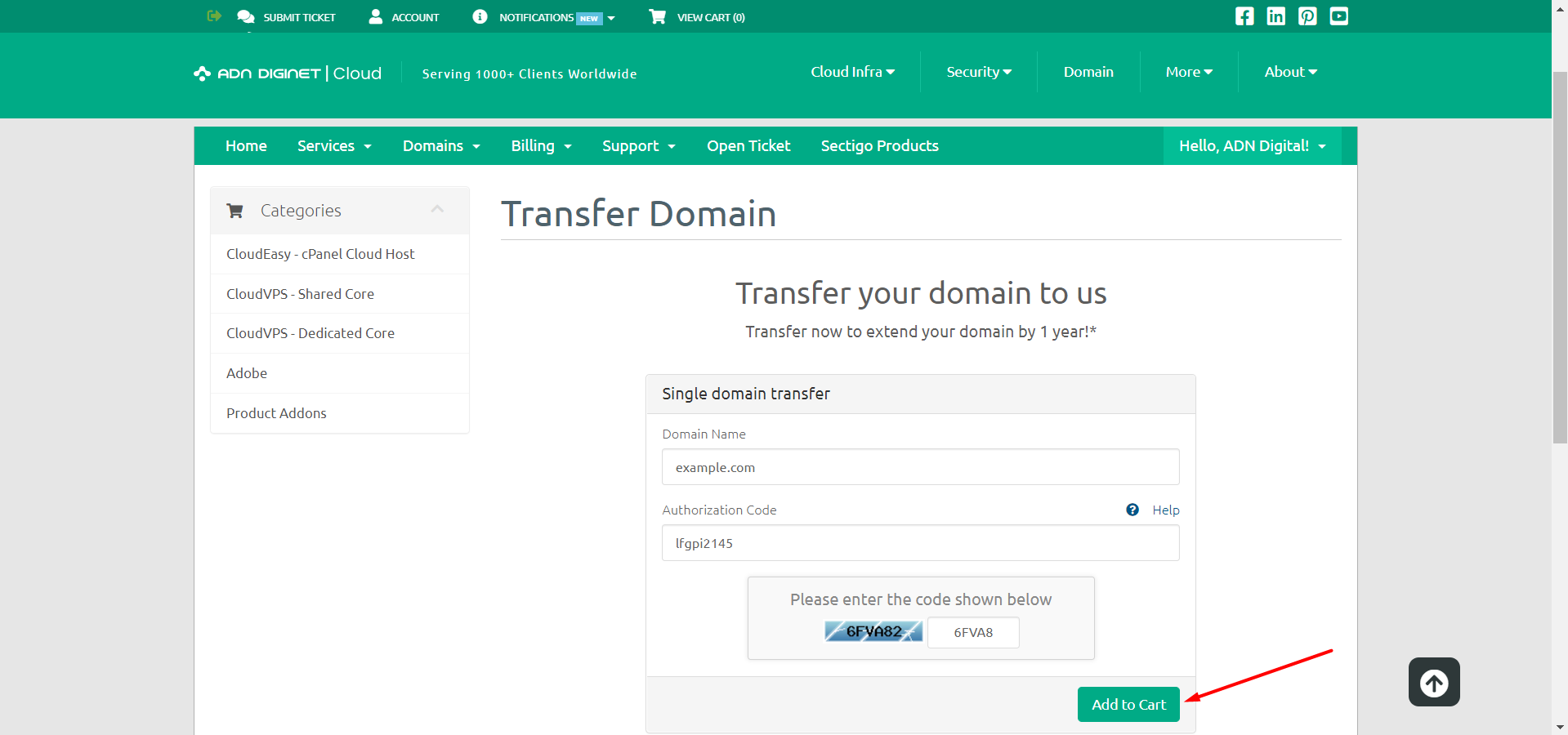
Step 07: Pay for your domain transfer.
Step 08: Finalize the domain transfer.
Step 09: Decide on a public or private domain.
Step 10: Cancel your previous service.
Note: A Domain transferring can vary quite a bit depending on your current registrar. In general, it takes a maximum of 5 to 10 minutes but may take 3 to 5 days for slow registrars.
OR If you still have trouble please email us at support@adndiginet.com for more technical support.