To create an email account, have to perform the following steps.
Step 01: Log in to cPanel.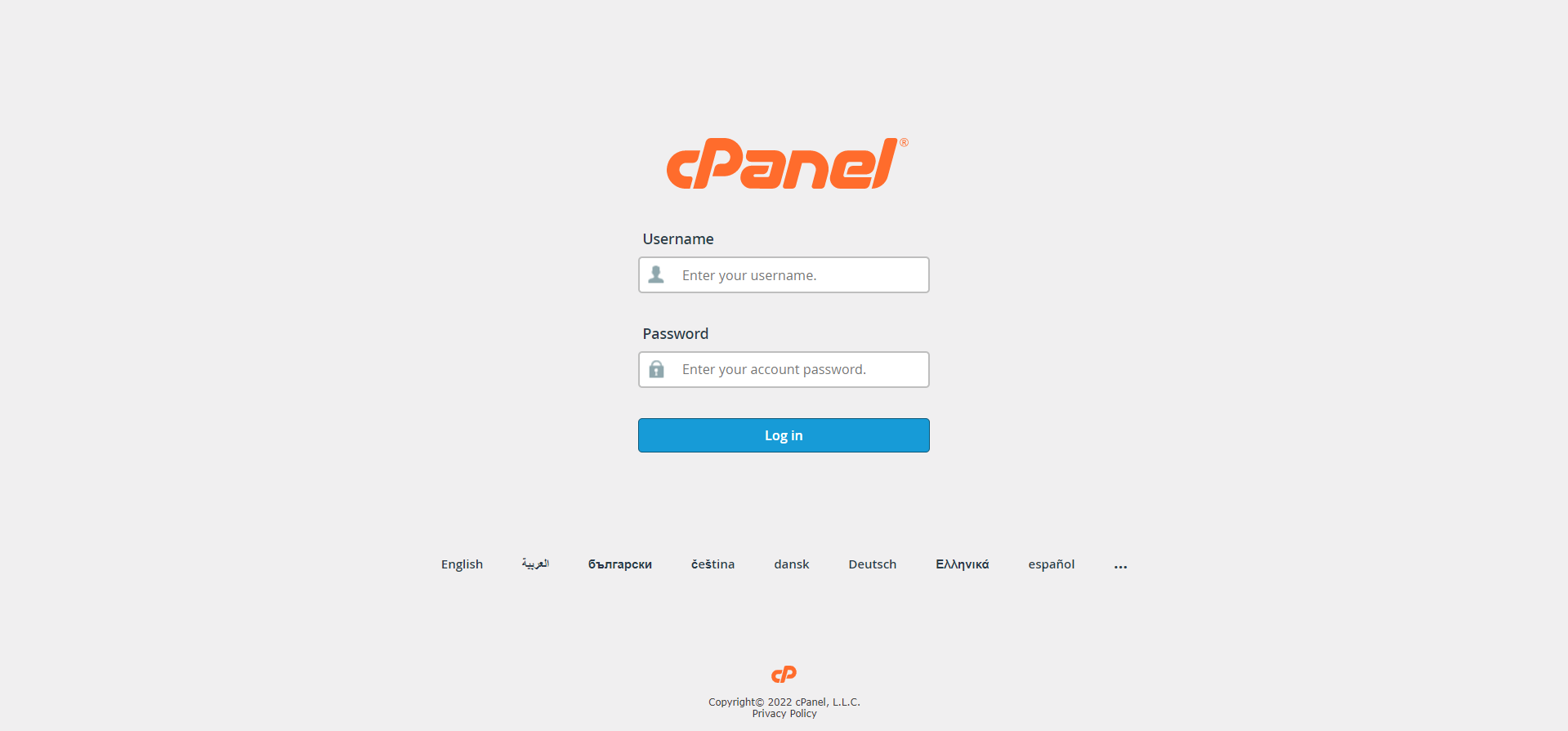
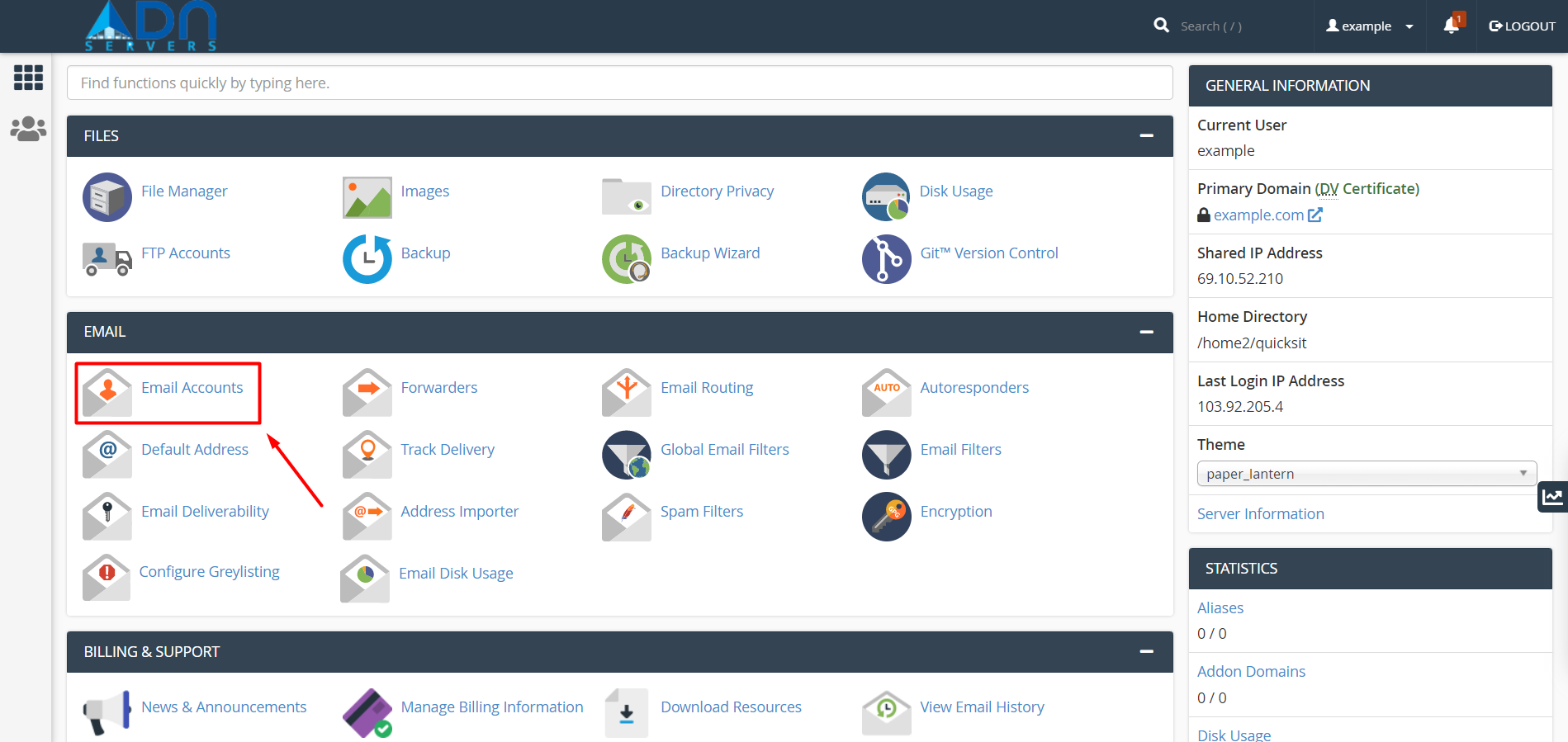
Step 02: Look for the Email section, then click Email Accounts.
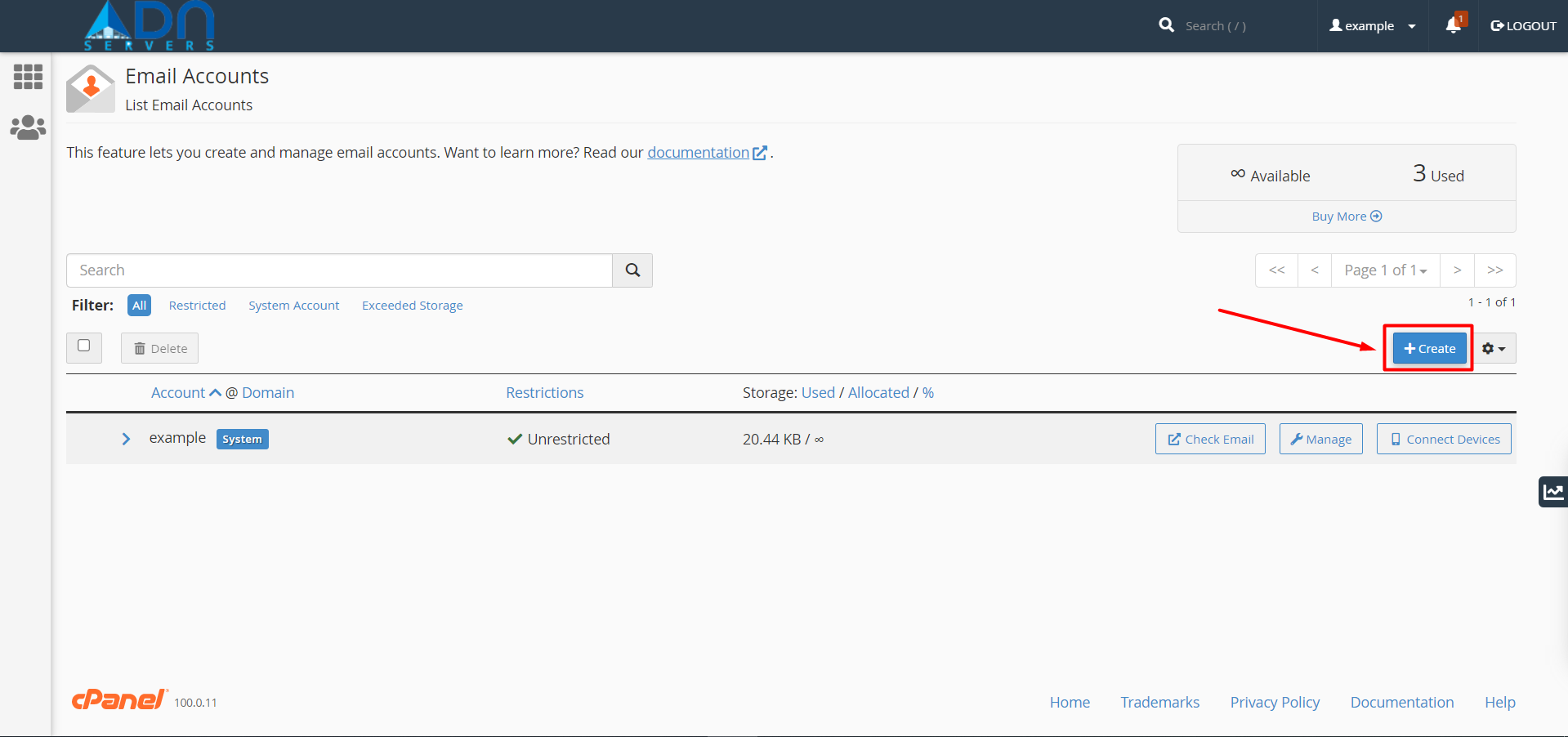
Step 03: Click the Create button.
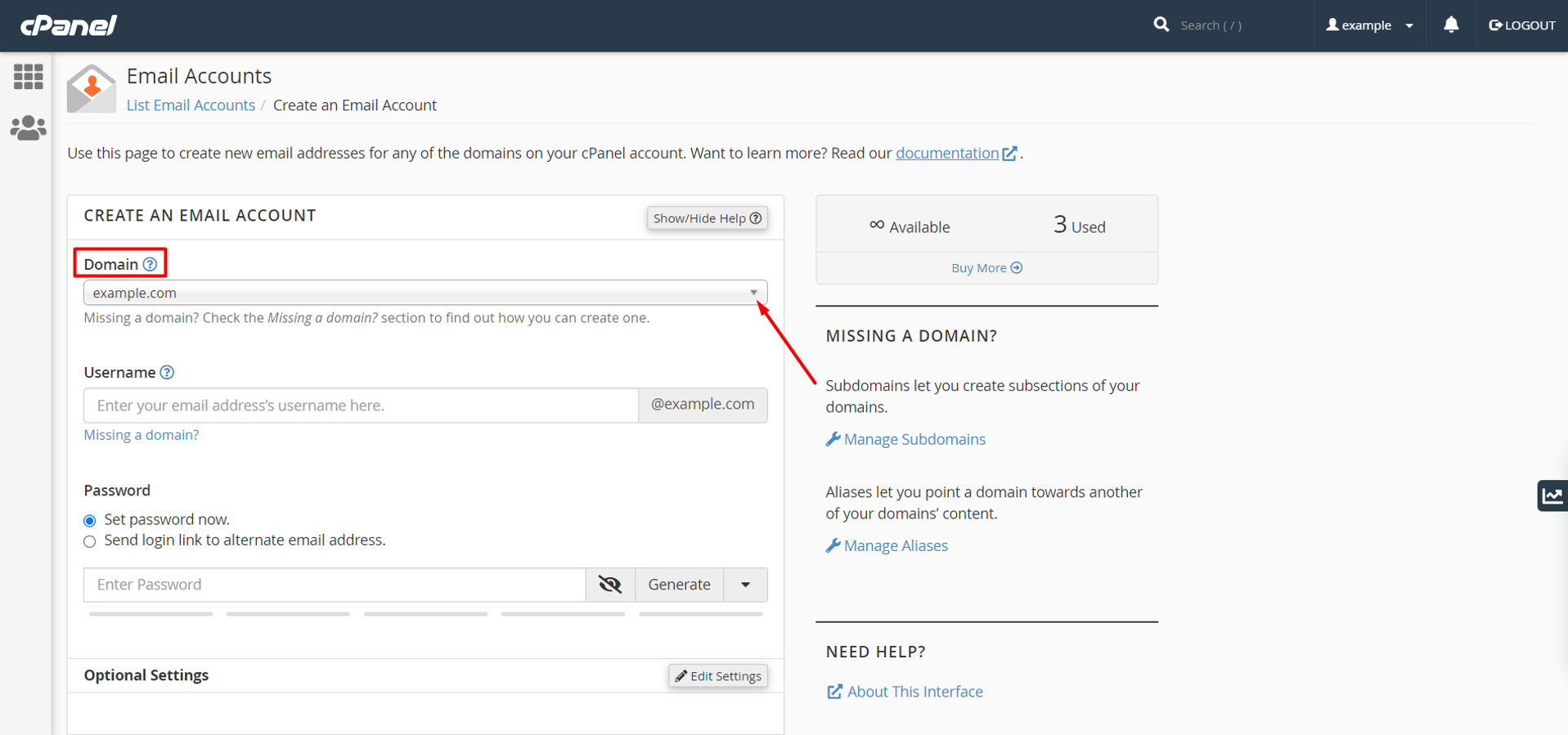
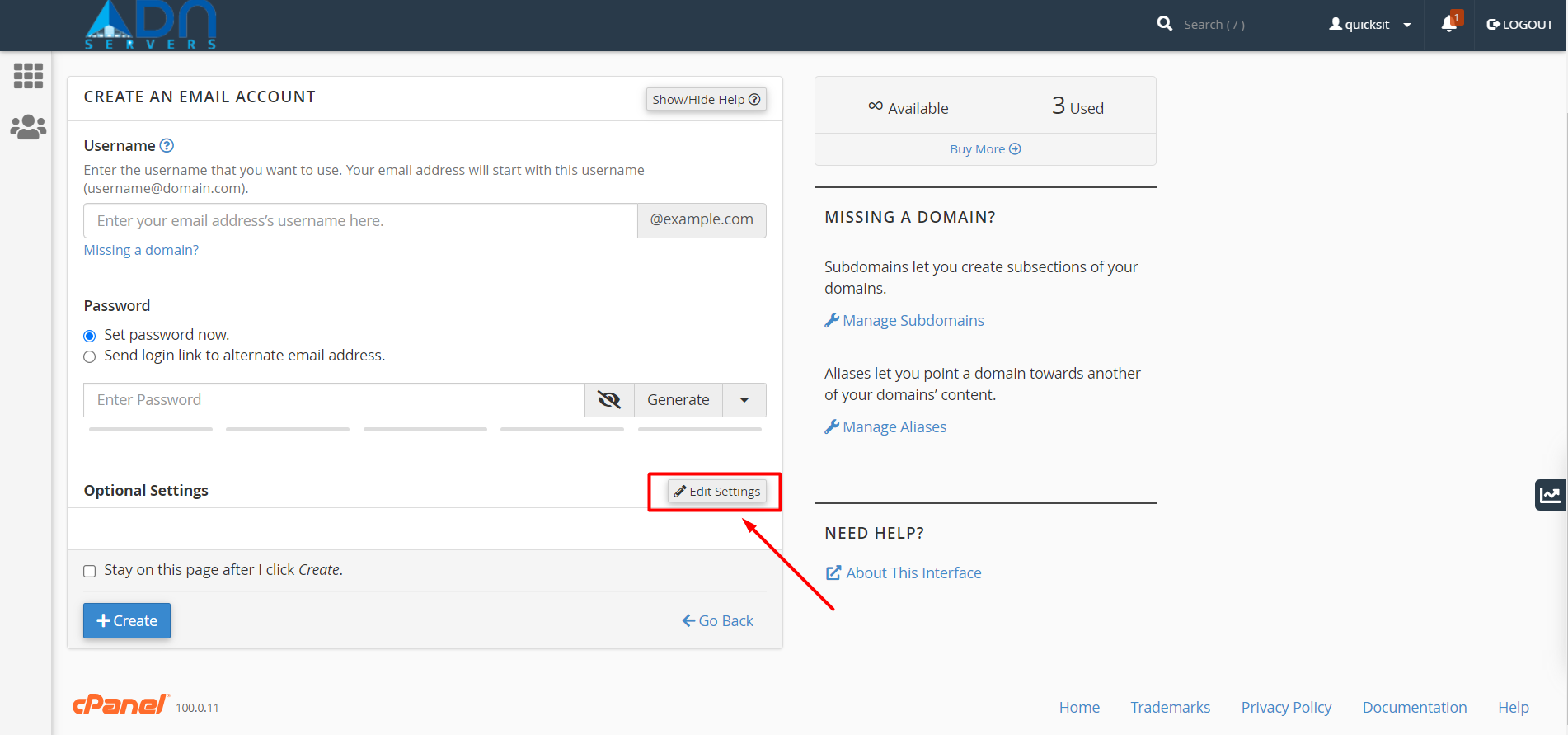
Step 04: On the next page, select the domain (If you have multiple domains) and enter the required details.
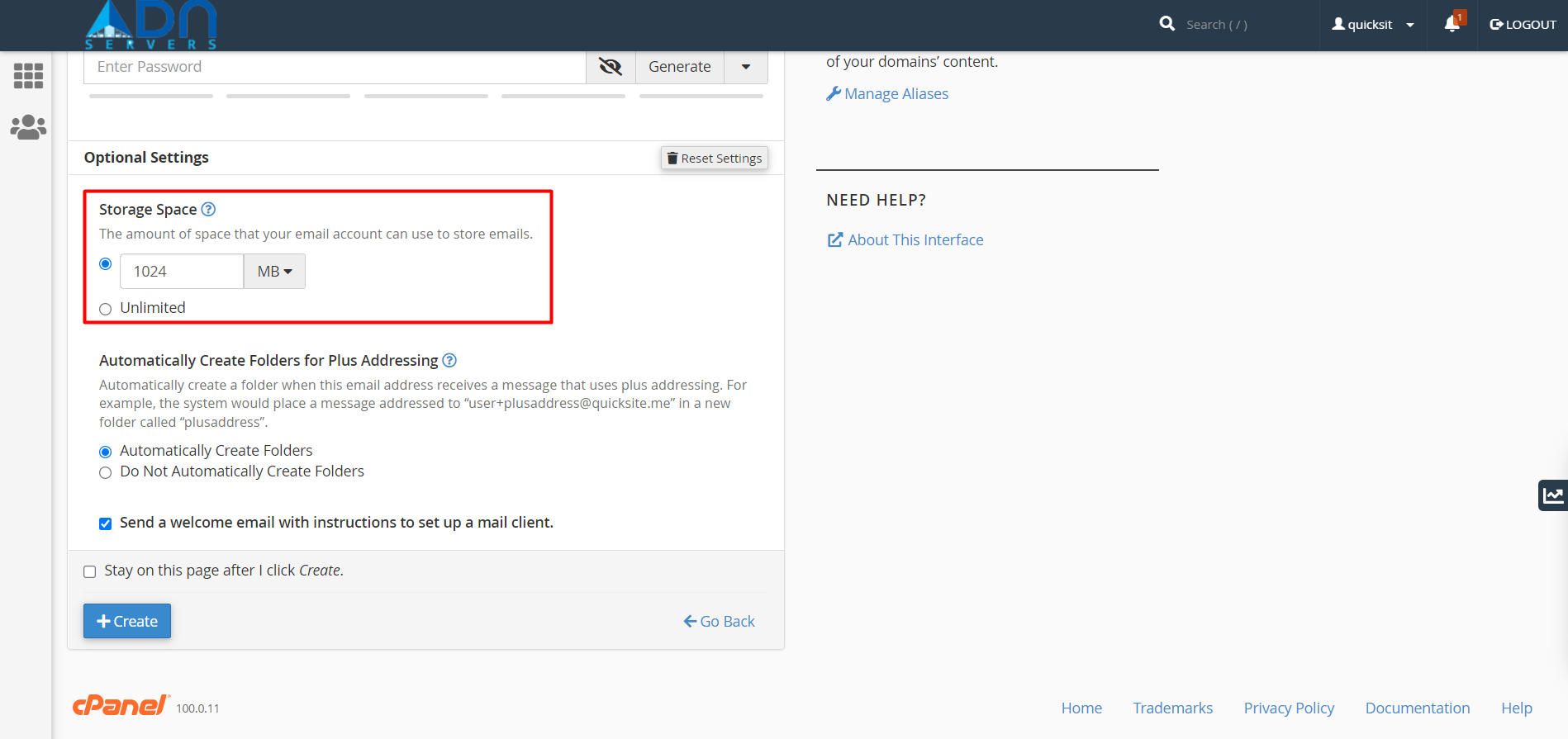
Step 05: Click the Edit Settings button of Optional Settings to set your email's storage space.
Either you may set an amount of space or choose unlimited.
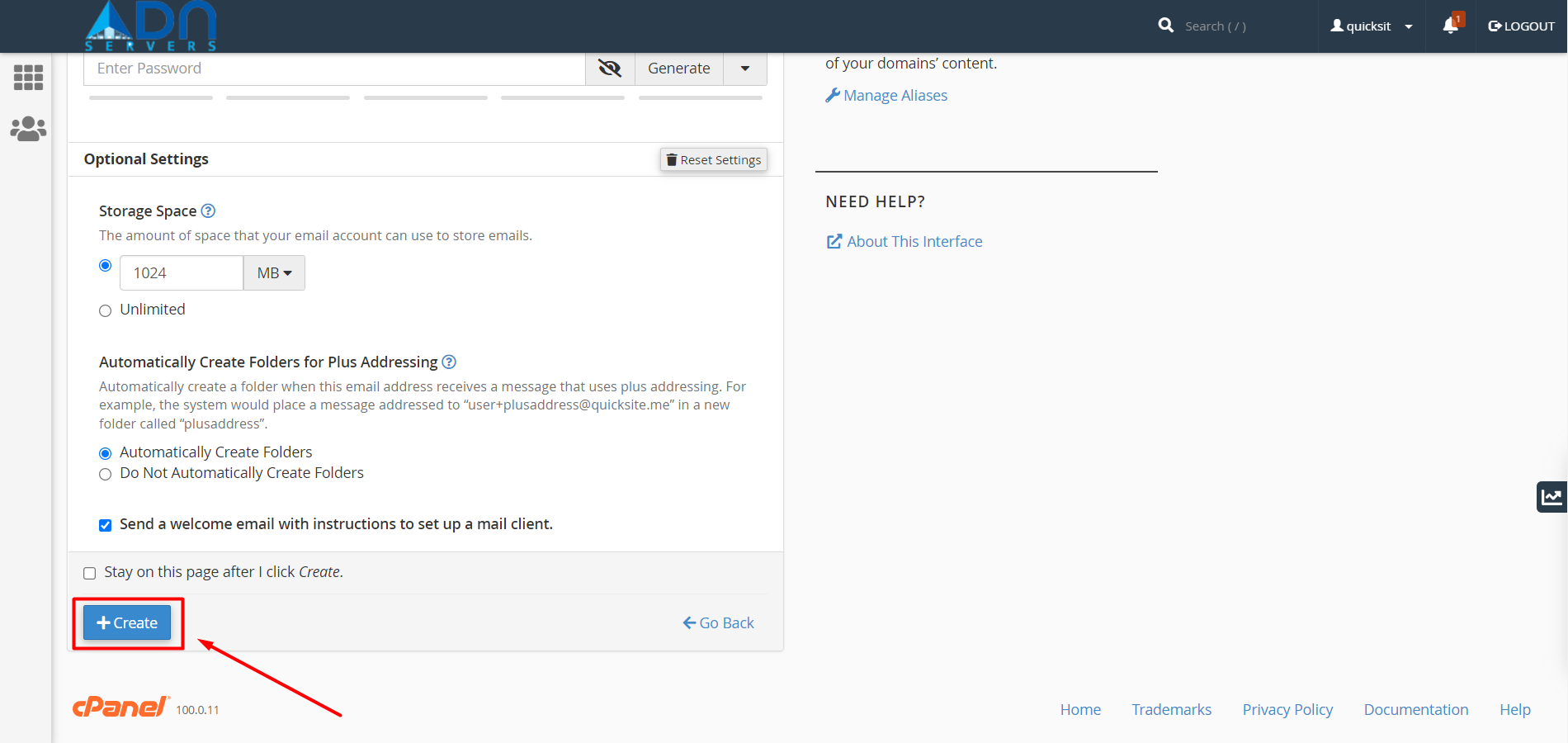
Step 06: Click on create button to finalize.
Note: You cannot rename an email account or change its address after you create it.
OR If you're facing any issues, please email us at support@adndiginet.com for more technical support.