A full backup of the CPanel data makes a copy of all files in CPanel. To do that all that will be needed is to follow some steps that are explained in detail below..
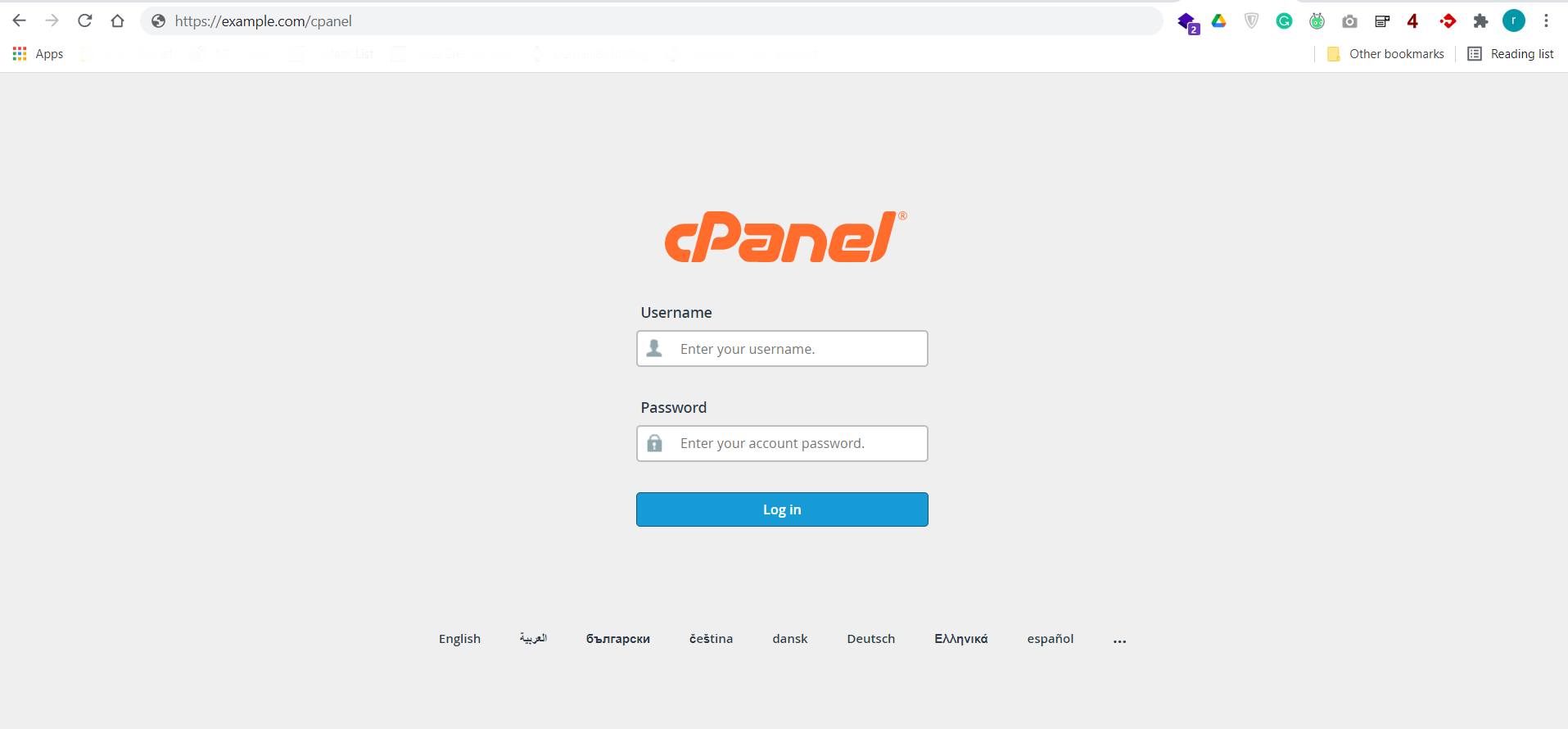
Step 01: Login into cPanel.
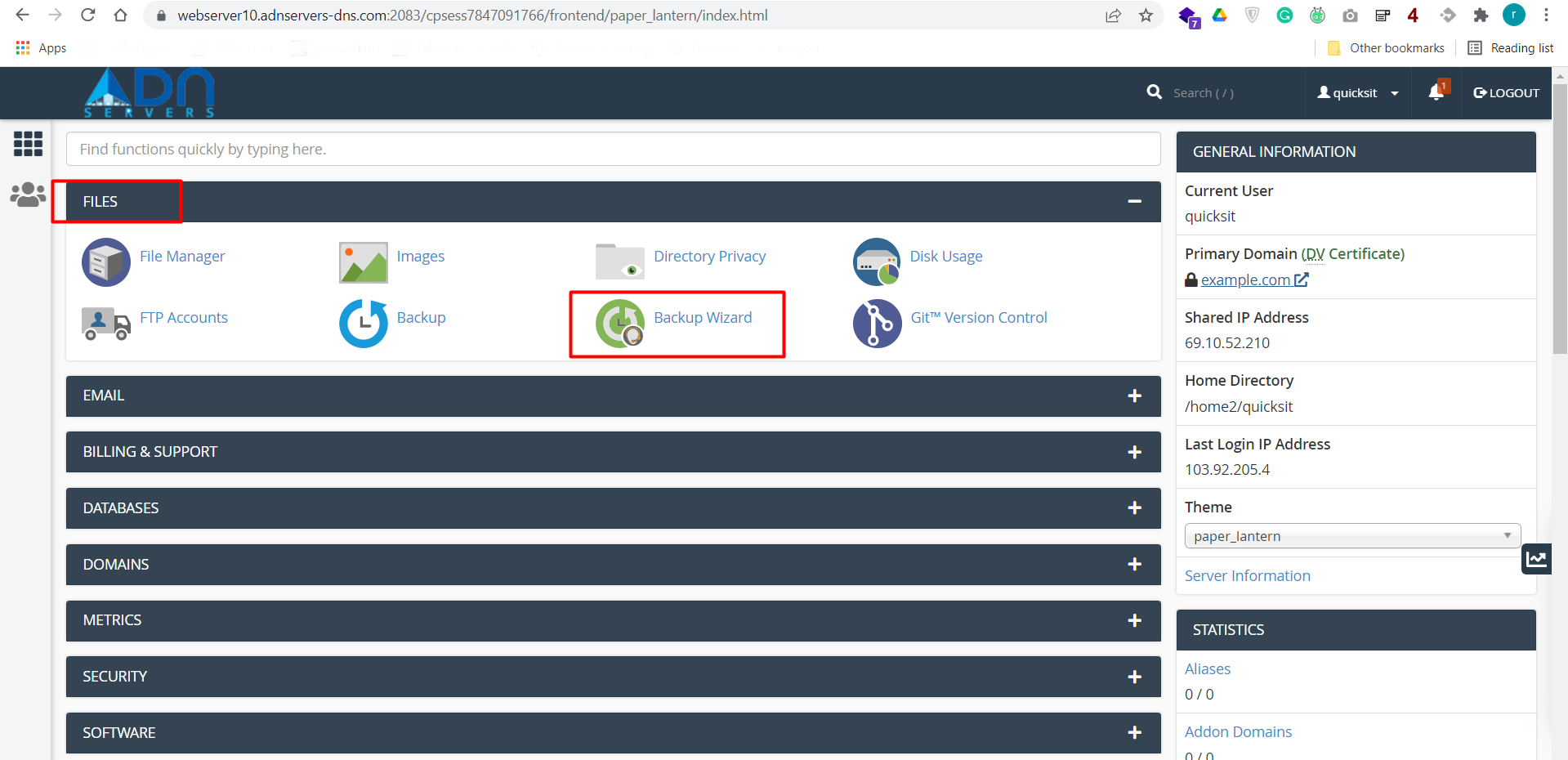
Step 02: Locate the "Files" category and click on the "Backup Wizard" icon.
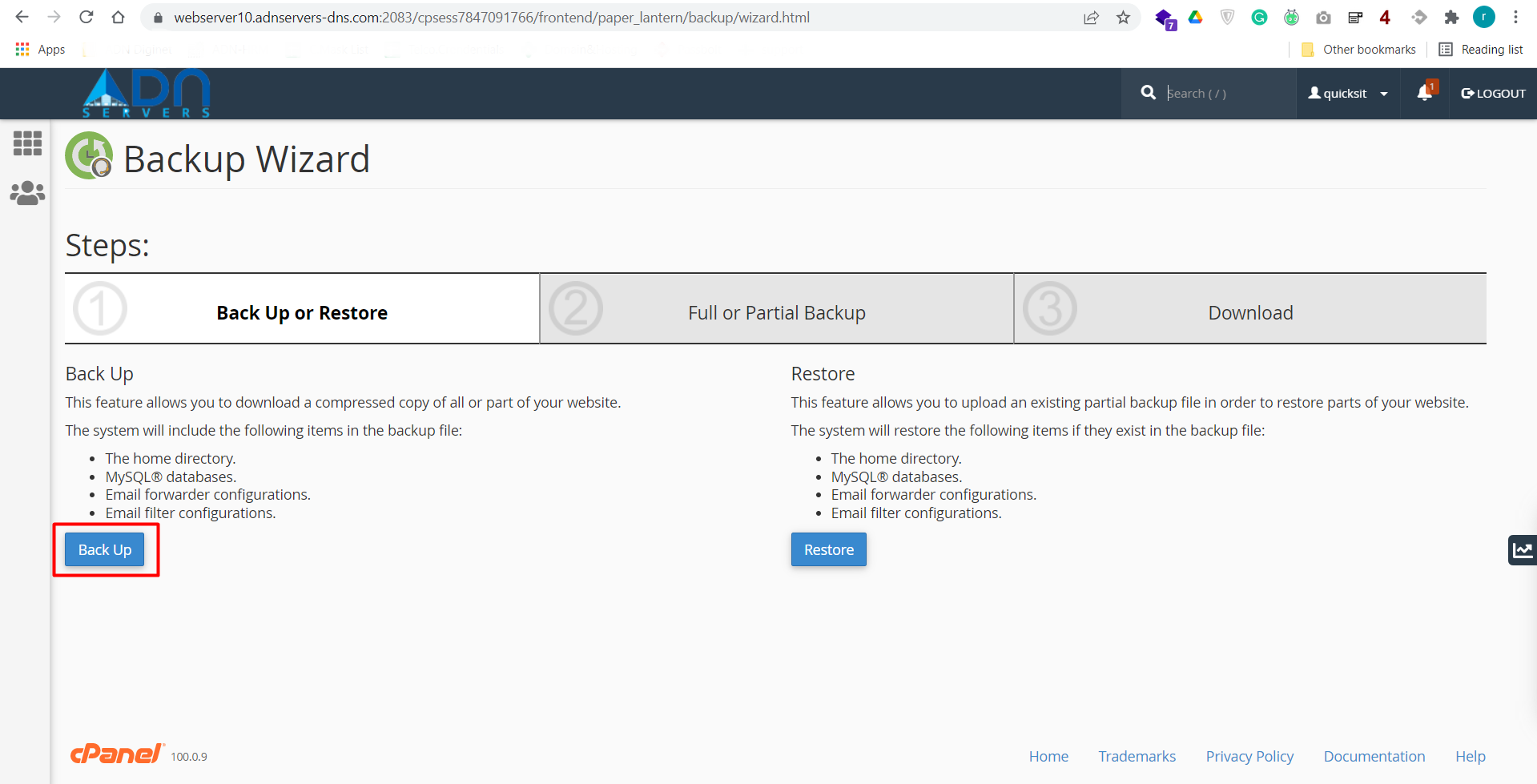
Step 03: Click on the "Backup" button.
Step 04: Select to do either a "Full" or "Patrial" backup.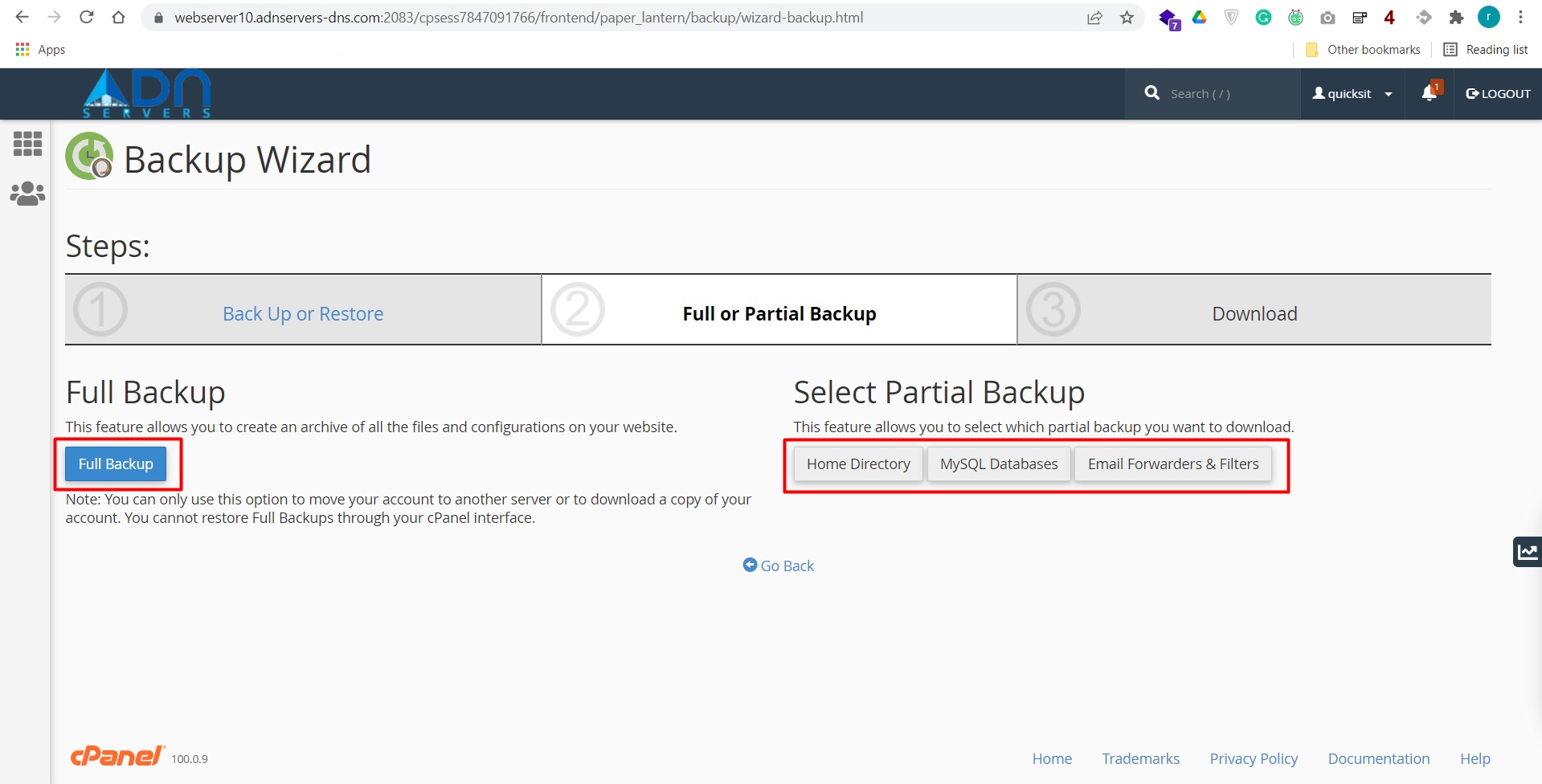
Full Backup - Everything on the server for your account.
Partial Backup - Only selected objects like Home Directory/MySQL Databases/Email Forwarders & Filters. Partial backup files can be restored via the cPanel interface.
OR If you will face any issues, please email us at support@adndiginet.com for more technical support.